
Match Game 3D Mahjong Mania
Rotate the 3D tile layout, match available mahjong tiles, and clear the stack through careful spatial planning.
Stamina
55%
Mental
82%
Reflex
10%
Luck
22%
Healing
67%
Social
18%
Game Guide & Walkthrough
Check your DNA Match for this game →
Every game has a unique gene. Want to know why this game attracts you? Click [DNA Insight] to find out.
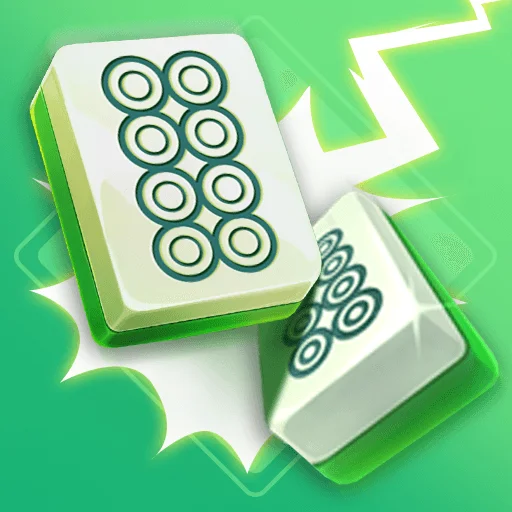
3D Mahjong Mania places traditional mahjong symbols in a rotatable three-dimensional stack. The player views the layout from several angles, identifies matching tiles that are not covered, and removes them in pairs. Early positions are easy to read, but a thicker stack may show a matching pair that cannot yet be selected because another tile blocks its top or side. Rotating the view is not only about recognizing symbols; it changes how layers and empty spaces are understood. Removal order matters as well. Taking the only pair that opens a lower layer is often stronger than removing the most obvious visible pair. The goal is to use each available match to expose new layers until the entire stack is clear. While turning the structure, use one distinctive edge tile as an orientation marker. After a complete rotation, that marker shows which faces have already been inspected and prevents repeated searching among similar symbols. Before removing a pair, look at what each tile will uncover. A move that releases two different symbols increases the range of future matches, while a move exposing one isolated symbol may simply transfer the obstruction from the outside to a deeper layer. The final few pairs need extra care: count the remaining copies of a symbol and preserve an order in which each selected tile still has an accessible partner.
🕹️ Gameplay Logic
The stack consists of several layers of 3D mahjong tiles. A pair can be removed only when the symbols match, neither tile is covered, and both have enough space to be selected. Removing a pair may release tiles underneath or to the side. Rotating the view changes what can be seen but does not change the matching rule. Each move should choose an available pair that opens the most useful future space, avoiding a layout where one visible symbol is left without a partner. Clearing every tile completes the level.
🎮 How to Play
- Drag or use the displayed control to rotate the stack and inspect its layers.
- Select two matching tiles that are not covered and have room to be chosen.
- Recheck the lower and side layers after each removal to see which tiles are released.
- Prefer a pair that opens new space rather than the most visually obvious match.
- Continue exposing and removing tiles until the 3D layout is empty.
🏆 Pro Tips
- After rotating, remember the positions of available tiles so the new angle does not make you search for the same pair repeatedly.
- When several tiles share a symbol, match the two that open a lower layer or a side passage first.
- Do not remove the only exposed tile too early; confirm that it is not the key obstruction protecting useful matches.
- In a thick stack, inspect from the top downward and then check the sides to avoid missing a newly available tile.
- With only a few tiles left, verify each pair carefully so one matching symbol is not left trapped behind the last move.
🧬 Game DNA Analysis
Mental 82: matching symbols, layer relationships, and removal order require spatial planning.
Healing 67: pair removal and an emptying stack feel calming.
Stamina 55: a 3D stack needs continued rotation and inspection.
Common Questions (FAQ)








🎮 You May Also Like
Curated premium games for your next session