Adventure Game Minecraft World: Block Craft
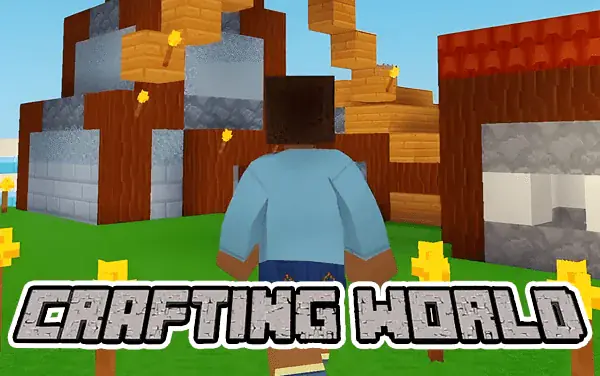
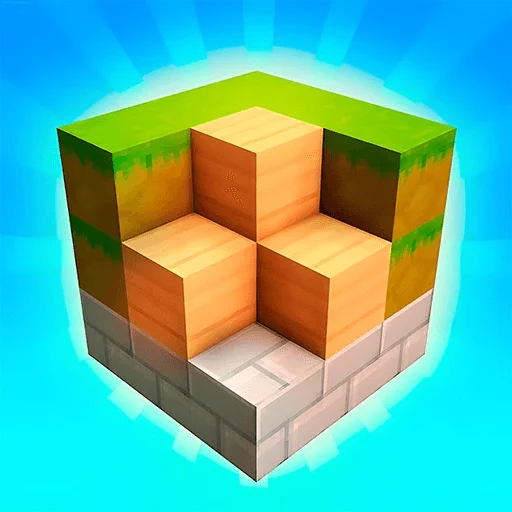
Minecraft World: Block Craft is a first-person voxel sandbox for exploration and construction. Move with WASD, jump with Space, use the mouse to break or interact with a targeted block, and turn collected materials into a cottage, road, castle, or personal landscape. There is no single correct build; planning and imagination shape the result.
Stamina
71%
Mental
48%
Reflex
32%
Luck
15%
Healing
53%
Social
26%
Game Guide & Walkthrough
Check your DNA Match for this game →
Every game has a unique gene. Want to know why this game attracts you? Click [DNA Insight] to find out.
After entering the world, walk across the terrain or use a higher viewpoint to find a suitable building site. Blocks serve as ground, walls, roofing, and decoration. Removing them reshapes the landscape or supplies material; placing them creates a structure one unit at a time. Before starting a large building, mark its four corners and entrance with an easy-to-recognize block. This keeps dimensions consistent more reliably than raising walls immediately.
Even a small cottage needs a foundation, access route, and enough interior height. Level the floor, build the outer walls while preserving door and window openings, and close the roof last. This order prevents finishing a shell that the character cannot enter. A castle or multi-floor design also needs reserved stair space. Step back regularly to inspect the silhouette because building close to one wall can hide a gap on the rear or an uneven side.
Exploration supports construction. Note where different materials appear and return with a specific need for color or texture. Before breaking a block, check whether it supports something above, and avoid digging straight down through the block beneath the character. Sandbox building improves through revision: complete a usable main structure first, then add towers, window frames, roads, and landscaping instead of trying to resolve every detail before the basic form exists.
🕹️ Gameplay Logic
The world is composed of voxel blocks on a regular grid, and the mouse crosshair selects the current target. Breaking removes that block and changes the terrain, while placement uses an adjacent face as its connection point. Movement and jumping provide access to different heights. Reachable position, existing support, and material choice shape construction, while the player defines the final goal.
🎮 How to Play
- Use WASD to move, Space to jump, and the mouse to turn the first-person view and crosshair.
- Aim at a block and use the mouse to break it or perform the available block interaction.
- Select a material and place blocks beside existing ground or structure to form a foundation and walls.
- Reserve openings for doors, windows, stairs, and paths, then add roofing and decoration after the main structure works.
🏆 Pro Tips
- Mark corners and a center line before raising a large structure, then walk around the footprint to confirm dimensions.
- Step back every few layers and inspect both front and side; close-range work hides crooked outlines and uneven windows.
- Preserve a clear entrance and plan stairs before dividing a multi-floor interior so every level remains reachable.
- Do not repeatedly break the block directly under the character or remove the only support for an upper section before creating safe footing.
🧬 Game DNA Analysis
Stamina 71: A build develops from site choice and foundation through walls, roofing, and decoration, so ambitious structures reward sustained effort.
Healing 53: With no prescribed solution, gathering blocks and gradually shaping an empty site offers a relaxed creative payoff.
Mental 48: Marking dimensions and reserving doors, windows, and stairs prevents a structure from becoming unusable halfway through construction.
Common Questions (FAQ)
Similar Games
View All




🎮 You May Also Like
Curated premium games for your next session