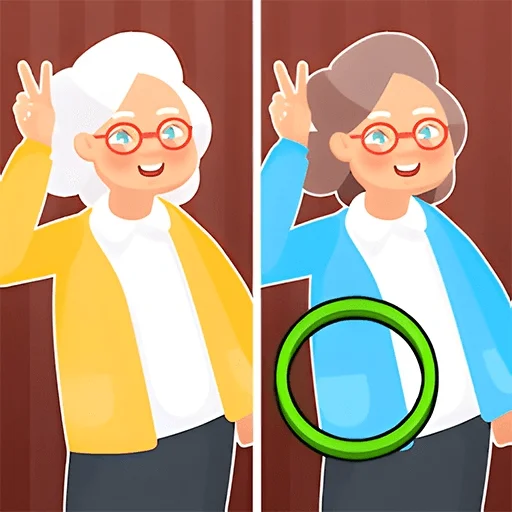
Casual Game Spot the Difference: Photo Hunt
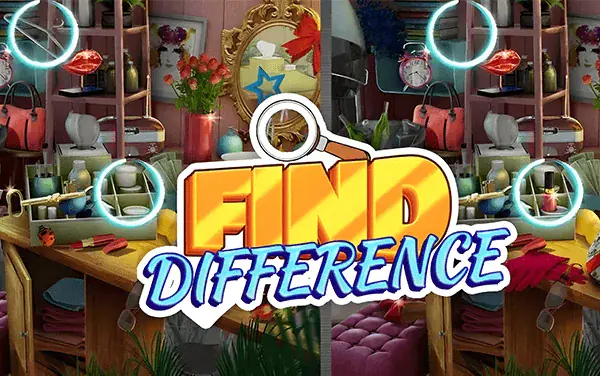
Spot the Difference: Photo Hunt asks the player to find five changes between two images with the same composition. A difference may be a missing object, changed color, altered shape, or tiny decoration. Click the matching location with the mouse. The stage is timed, so a structured regional scan is more reliable than repeatedly guessing across the whole picture.
Stamina
67%
Mental
67%
Reflex
57%
Luck
40%
Healing
38%
Social
32%
Game Guide & Walkthrough
Check your DNA Match for this game →
Every game has a unique gene. Want to know why this game attracts you? Click [DNA Insight] to find out.
Each stage displays a pair of images with approximately matching characters, background, and object placement, but exactly five differences are hidden between them. Obvious changes often involve a missing large object or a color replacement. Harder ones may appear in edge decoration, item count, shadow direction, or the outline of a small object. Click the changed feature itself rather than the gap between images or a merely similar area.
A productive scan divides the picture into upper-left, upper-right, lower-left, and lower-right regions. Compare object count and color inside one region, then trace the outline of its character or main object. After finding a change, finish the current region before jumping to the opposite corner; otherwise the eyes repeatedly inspect material that was already cleared.
The final difference becomes difficult when prolonged staring makes details blend together. Shift attention away from the main subject and compare borders, sky, ground, and negative space between objects. Because the level is timed, random clicks waste seconds and may trigger an error response. A fixed checklist of presence, color, count, contour, and direction covers the most common difference types efficiently.
🕹️ Gameplay Logic
A mouse click checks whether the selected location belongs to a predefined change. A correct position is marked and reduces the remaining count; a wrong position adds no progress and consumes search time. Find all five before the timer ends to advance to the next image pair. Running out of time requires another attempt.
🎮 How to Play
- Divide both images into matching regions and compare them from the upper-left onward.
- Check object presence, color, count, contour, and direction in that order.
- Click the changed object, confirm its marker, and continue scanning the same region.
- Find all five before time expires, checking borders, background, and tiny decoration for the last one.
🏆 Pro Tips
- Alternate quickly between the same small region in both images; a change can appear to flicker and become easier to notice.
- After checking the main subject, move attention to borders and negative space, where the final detail is often hidden.
- When uncertain, compare contour endpoints, stripe count, and color value instead of testing the guess with a random click.
- Remember completed regions and continue in one fixed direction after every find to avoid repeated search time.
🧬 Game DNA Analysis
Mental 67: The two images must be compared region by region for missing objects, color changes, altered shapes, and tiny decorative details.
Stamina 67: Five differences are often spread across backgrounds and small props, making a systematic scan more reliable than repeatedly staring at the main subject.
Reaction 57: With the timer running, each suspected change needs an accurate click because a miss only consumes observation time.
Common Questions (FAQ)





🎮 You May Also Like
Curated premium games for your next session